
Service request
Let's Get Your Service Connected.
Tell the Thika office what you need. A reference number is shown only after the request is saved. Office hours are Monday to Saturday, 8:00am to 5:00pm.
Step 1
Choose a published service
-
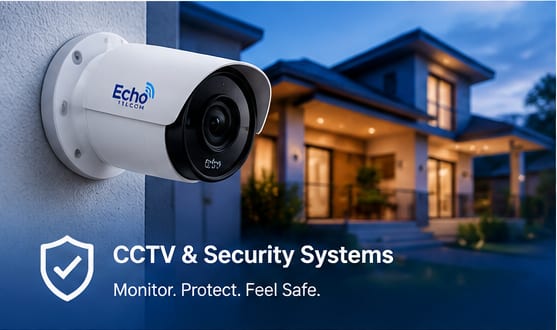
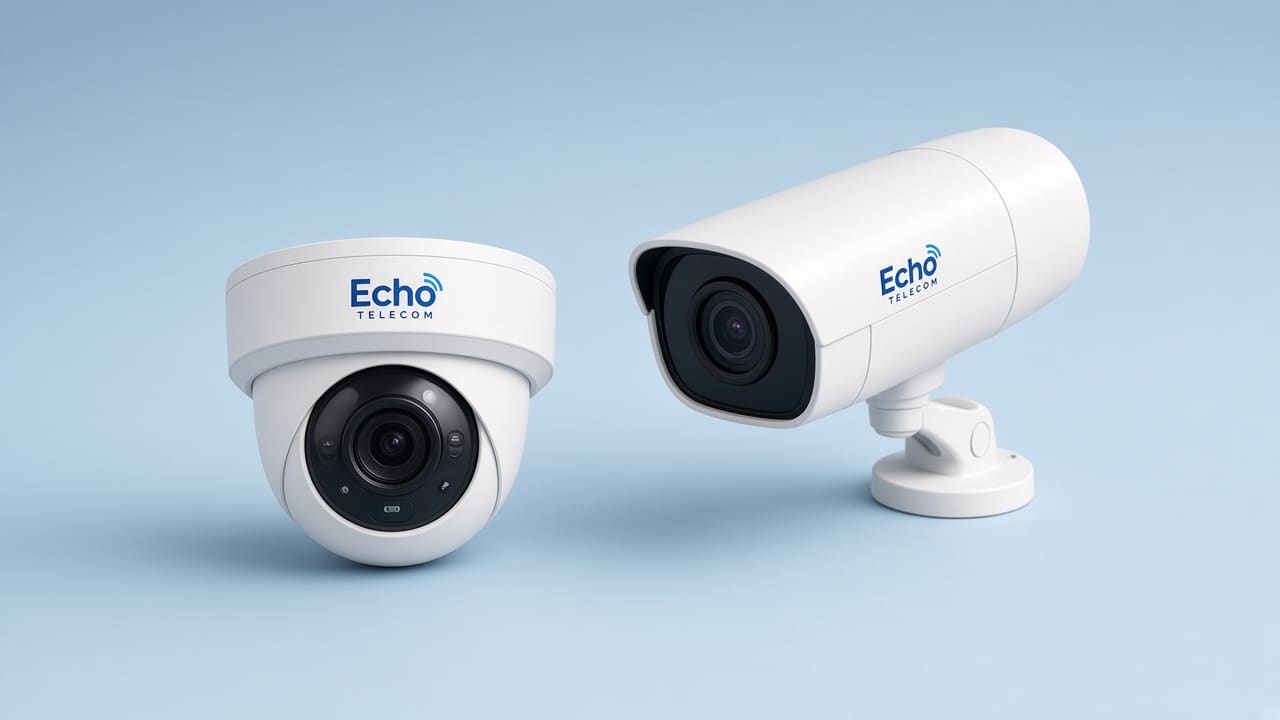 CCTV & Security SystemsCamera and alarm installation for homes and businesses. The published package is quoted on request.
-
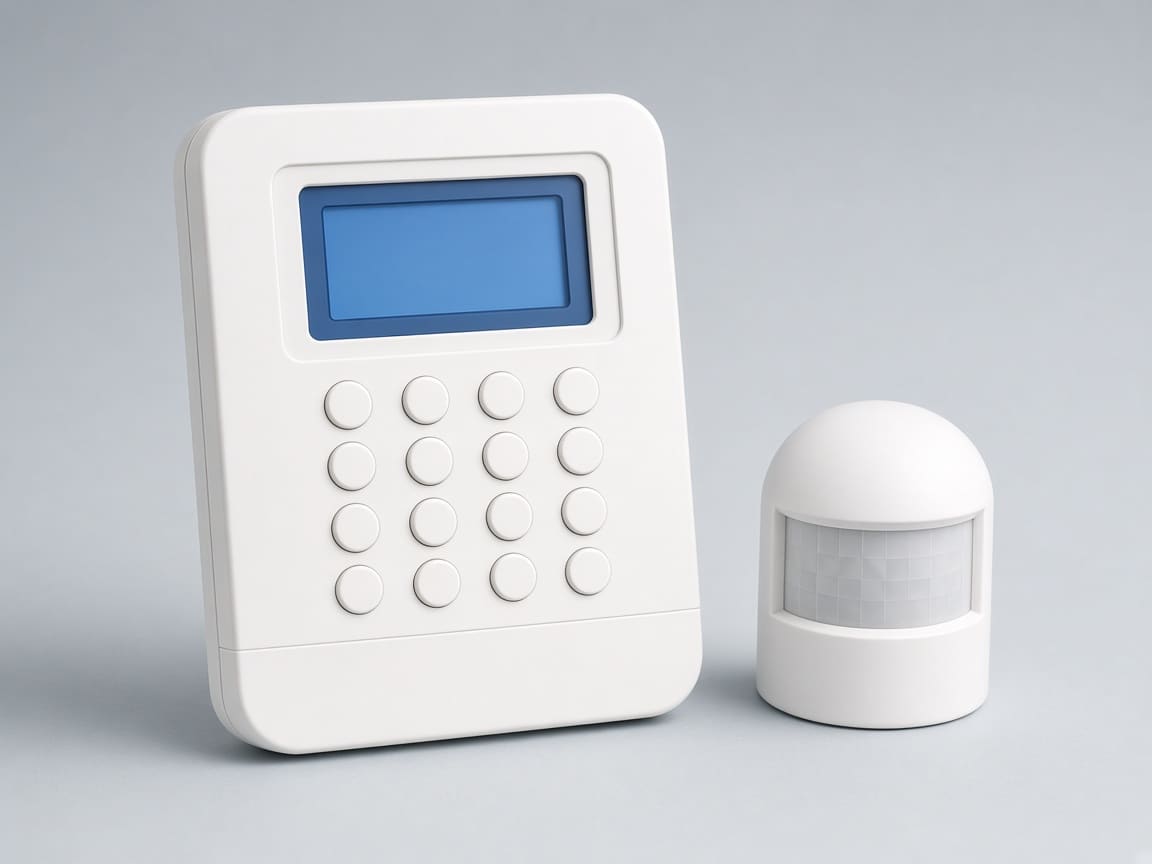 CCTV Camera & Alarm SystemCameras and alarms planned and installed with the security service.
-
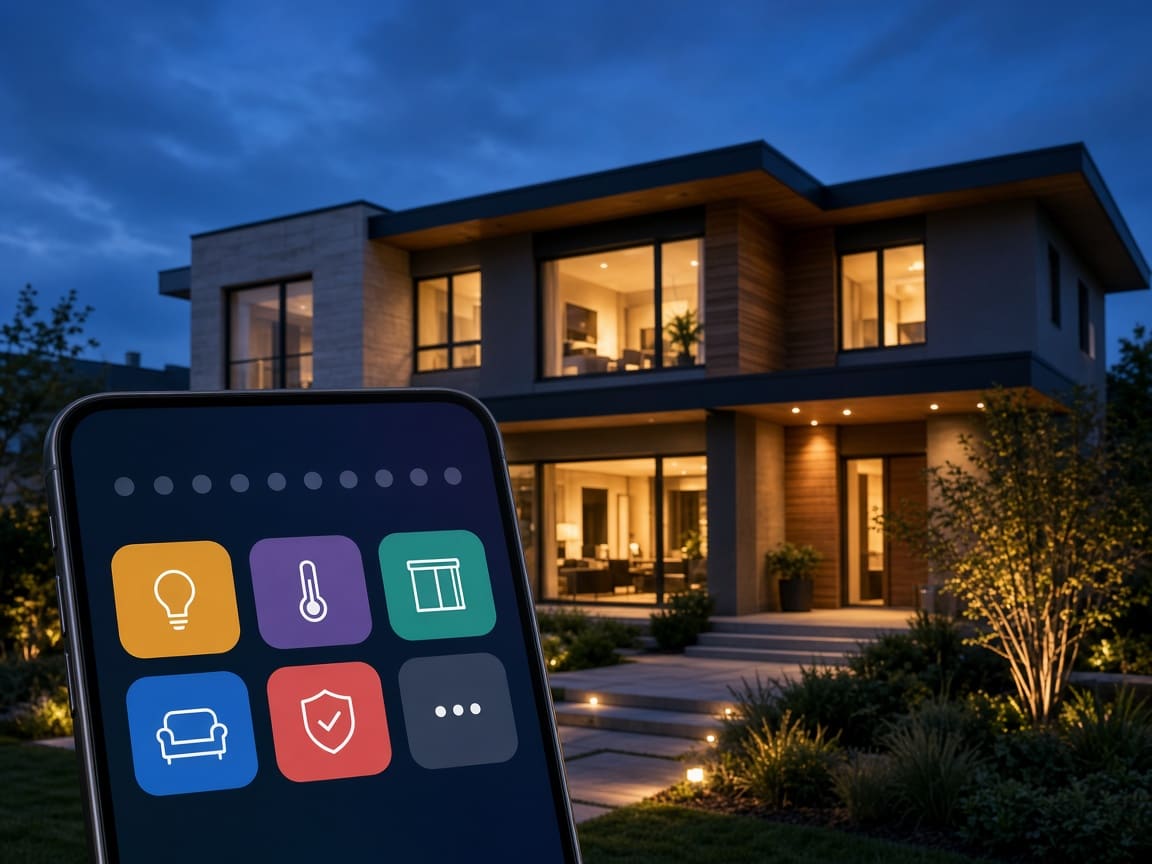 Home & Business AutomationAutomation for homes and businesses, arranged with the security installation.
-
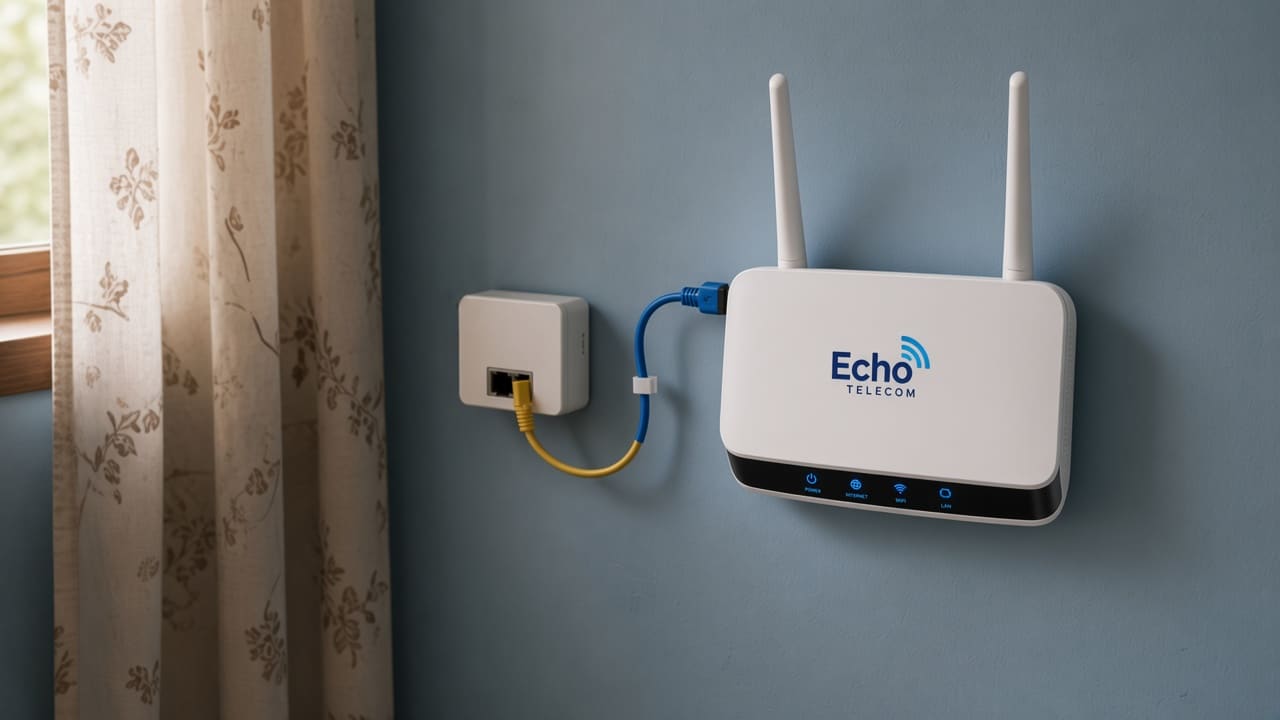
 Home Fibre InternetMonthly home fibre from 15 to 100 Mbps. Installation is free and a router is KES 2,000.
-
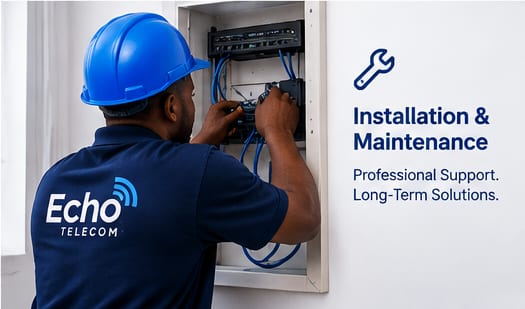
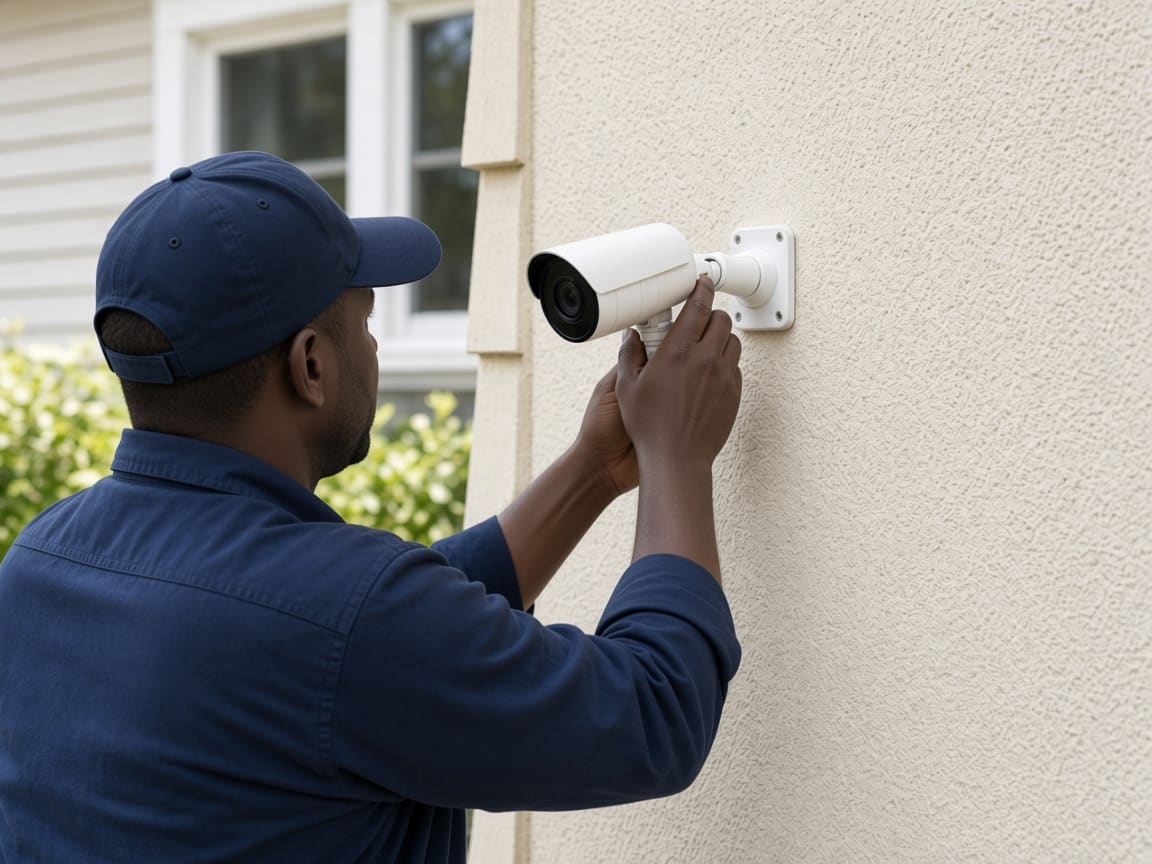 Installation & MaintenanceInstallation and maintenance for the fibre and security services.
-
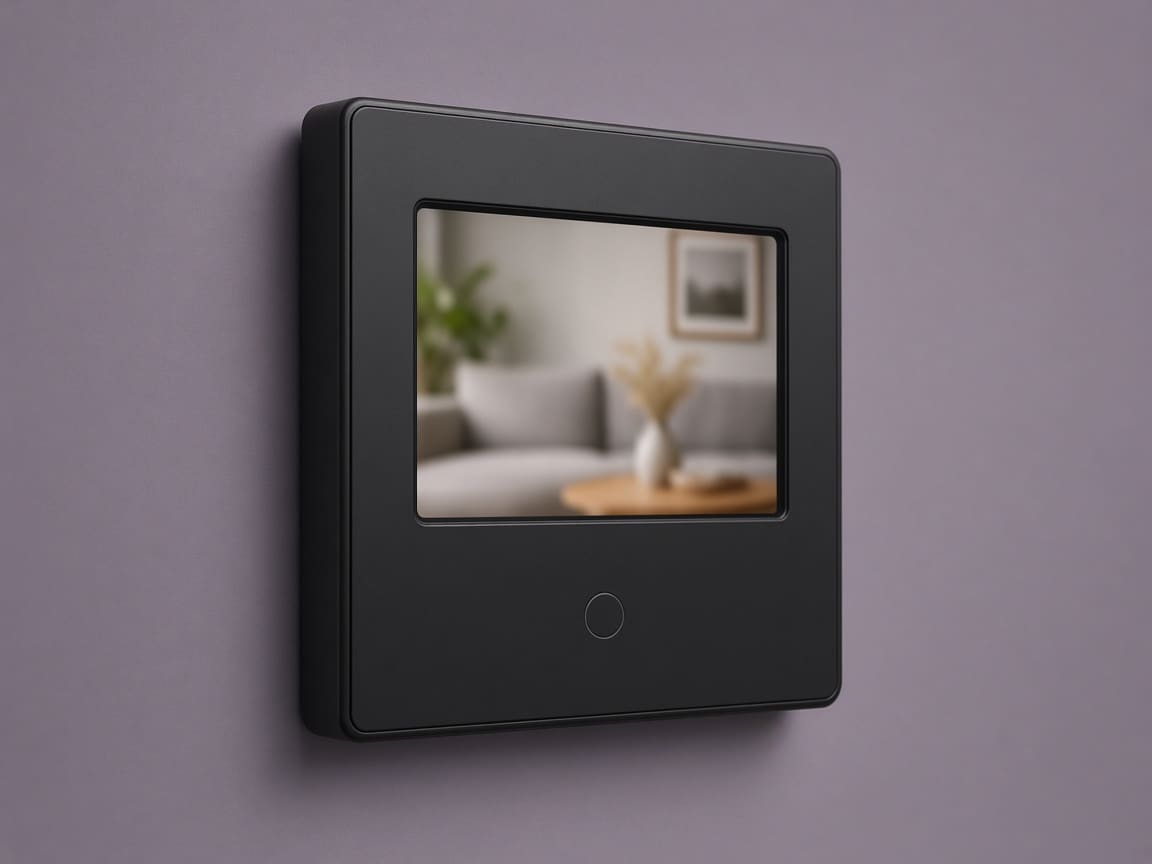 Intercom SystemIntercom installation for homes and businesses, arranged from the Thika office.
Step 2
Provide your details
The form saves a service request. Choose a published service, a Home Fibre package, or an other service. Staff review the record before any installation is arranged.

Help
Need Help Choosing the Right Service?
The Thika office can explain the published options. Hours are Monday to Saturday, 8:00am to 5:00pm.
Let's Get Your Service Started.
Provide the details of your installation or service request, and our team will review your information and guide you through the next steps.